Open your page with Shift + Tab
Steam’s in-game overlay has its own browser, and its own home page. Point that at your cspasta link and everything you saved is one keystroke away, mid-match. No alt-tab, no digging through your profile.
From inside the game
Faster, and you never leave the match.
- 01
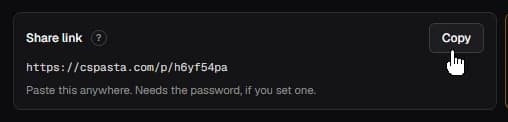
Copy your page link
At the top of your edit page, next to “Share link”. That is the plain address, with no token on the end.
- 02
Press Shift+Tab, then open Settings
The overlay toolbar sits along the bottom. Settings is the gear near the right-hand end.

- 03
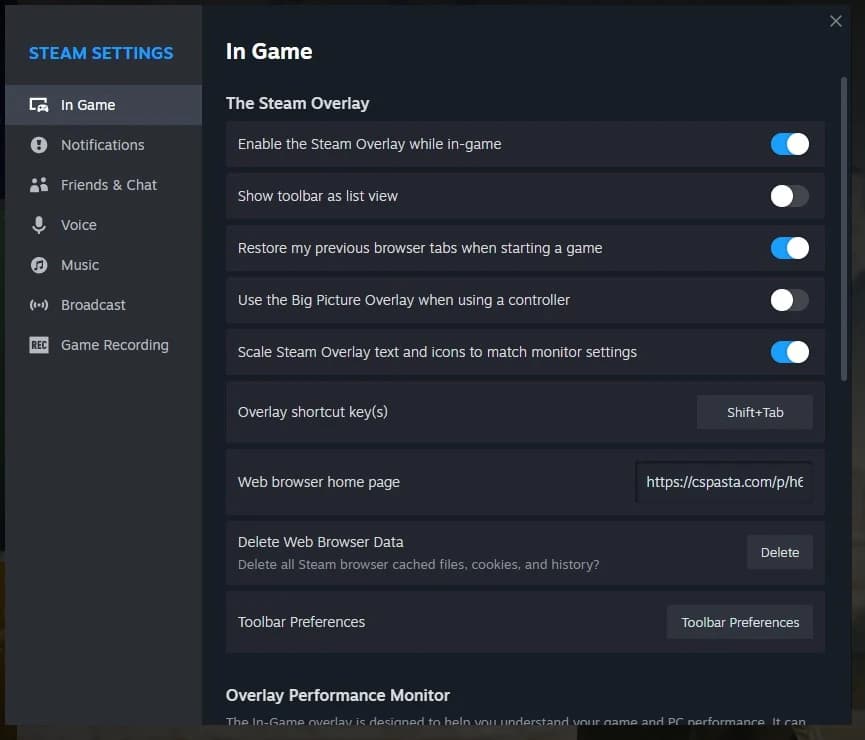
Paste it into the home page field
The overlay opens its settings on In Game already, so the field is right there. Steam applies it as you type.
- 04
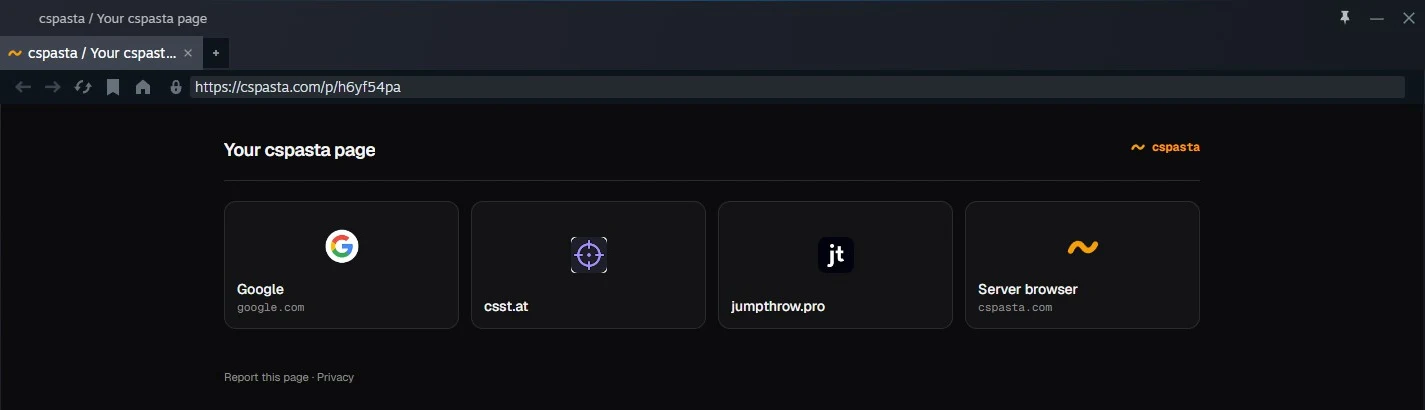
Press Shift+Tab again
The overlay browser opens on your page.
From the Steam client
Same setting, reached from the desktop.
- 01
Copy your page link
The same link as above.
- 02
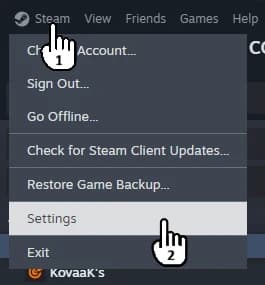
Steam → Settings
The Steam menu, top left of the client.
- 03
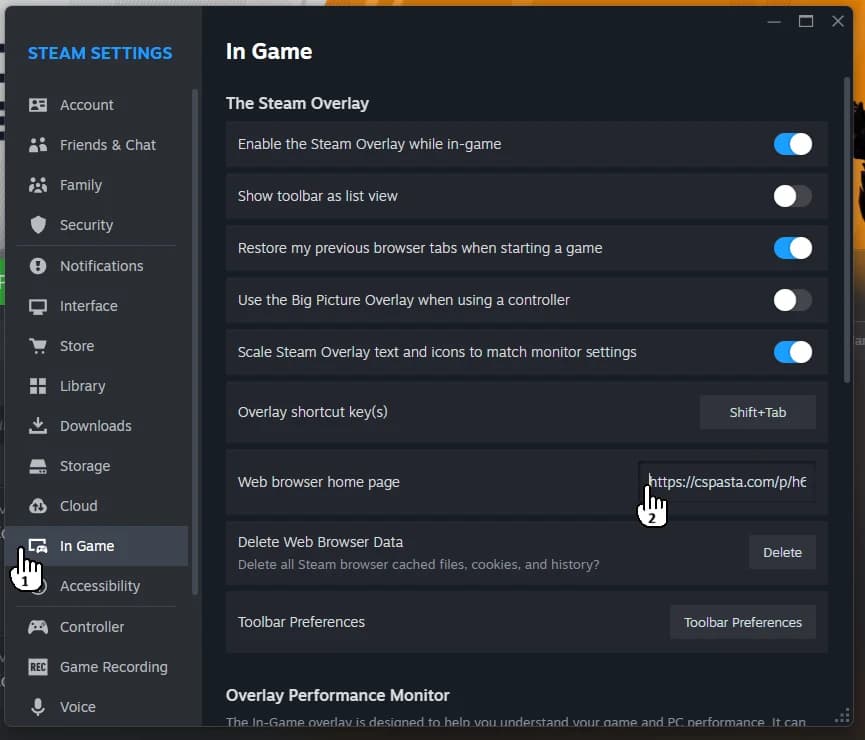
In Game → web browser home page
Pick In Game in the sidebar, then paste your link into the home page field.
- 04
Launch a game and press Shift+Tab
The overlay browser opens on your page.
If it opens somewhere else
The overlay remembers the last page you were on in that session. Click the home button in the overlay’s toolbar to go back to your page, or close and reopen the overlay.